

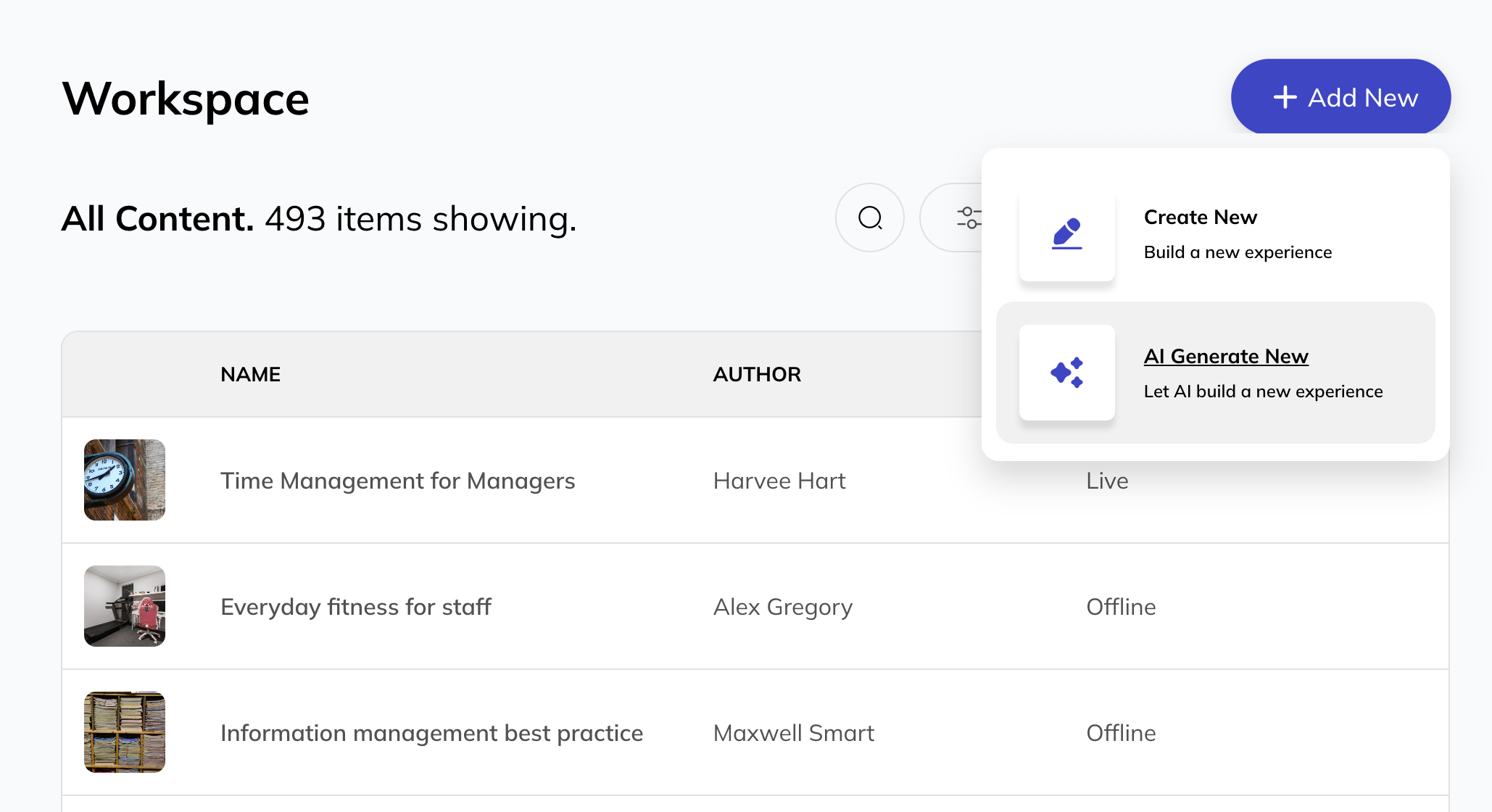
Next generation learning design.
Engineered for today’s demands, Courso helps teams get learning built, reviewed, and shared fast.

Built for enterprise learning workflow.
Start with a structured draft
- Generate structured learning drafts
- Edit and refine content freely
- Designed for clarity, not design polish
Courso helps you move beyond a blank page quickly. Use a customisable template, or AI to generate a clear learning structure from prompts, notes, or source material.
Drafts are designed to be easily editable and review-ready, so you can focus on getting the learning right before applying design.
Align before you build
- Comment directly on content
- Share drafts for review
- Gain confidence before approval
Learning is rarely created by one person alone. Courso makes it easy to gather feedback, discuss content, and align on learning intent before anything goes live.
Reviews and comments keep feedback focused on structure, accuracy, and flow, helping teams reach agreement with confidence.
Add design once you’re confident
- Apply themes and branding
- Add media and interaction
- Keep approved intent intact
Once a draft is agreed, Courso lets you rapidly turn it into a finished learning experience. Apply themes, navigation, animation, media, and interaction in single click actions.
This separation keeps design changes from disrupting content decisions and learning intent.
Courso combines AI with powerful design and collaboration tools to help teams create learning that is clear, engaging and built to move people forward.
AI that fits into real course creation workflows.
Courso AI tools support the organisational workflow around learning. Review decisions, and outcomes remain human-led at every stage. Simple instructions generate an accurate, editable draft that gives you a clear starting point. Outlines create visible steps that can be changed. You choose what to refine, review, approve, and share.
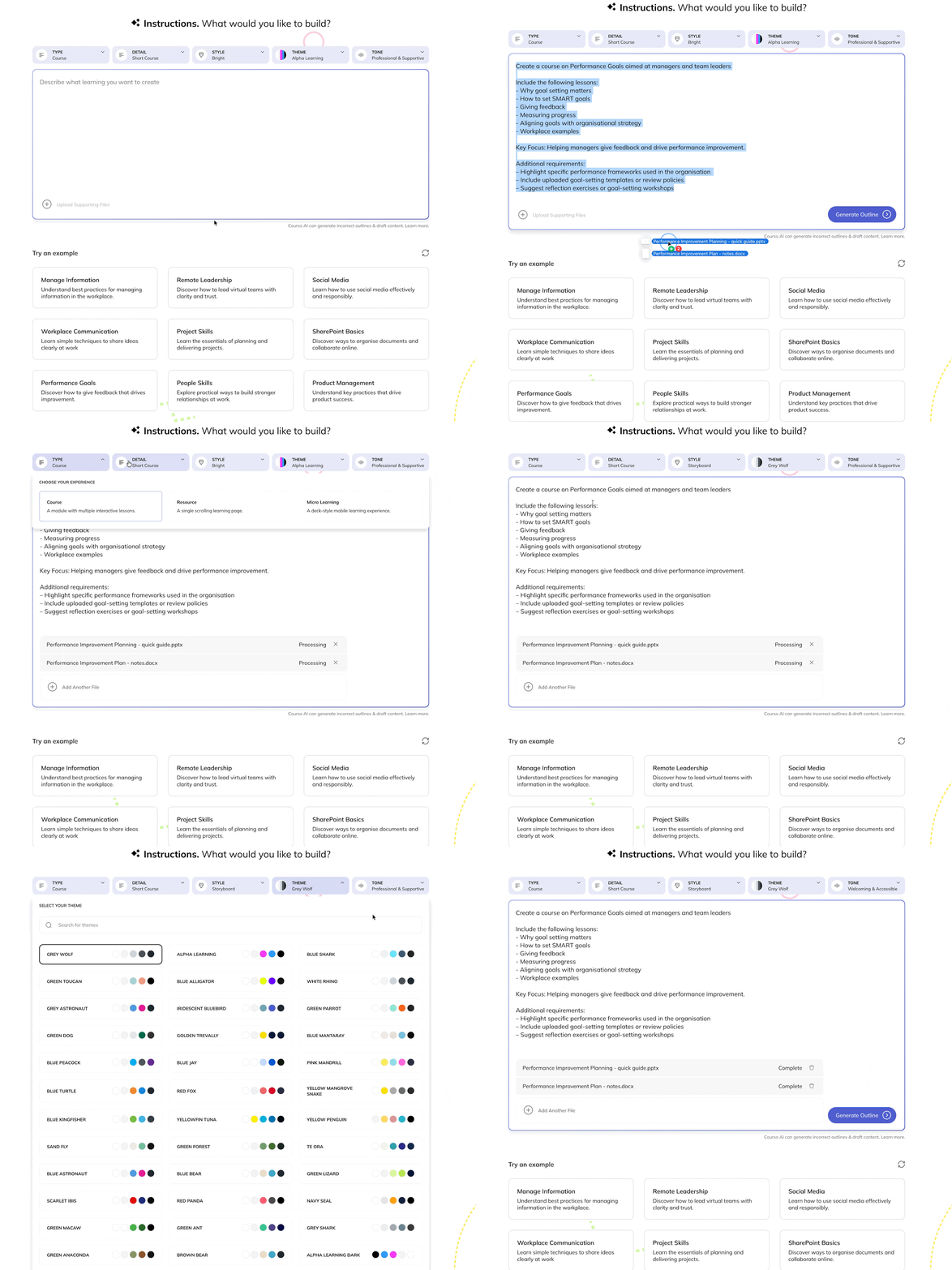
Choose options, write instructions, generate an outline.
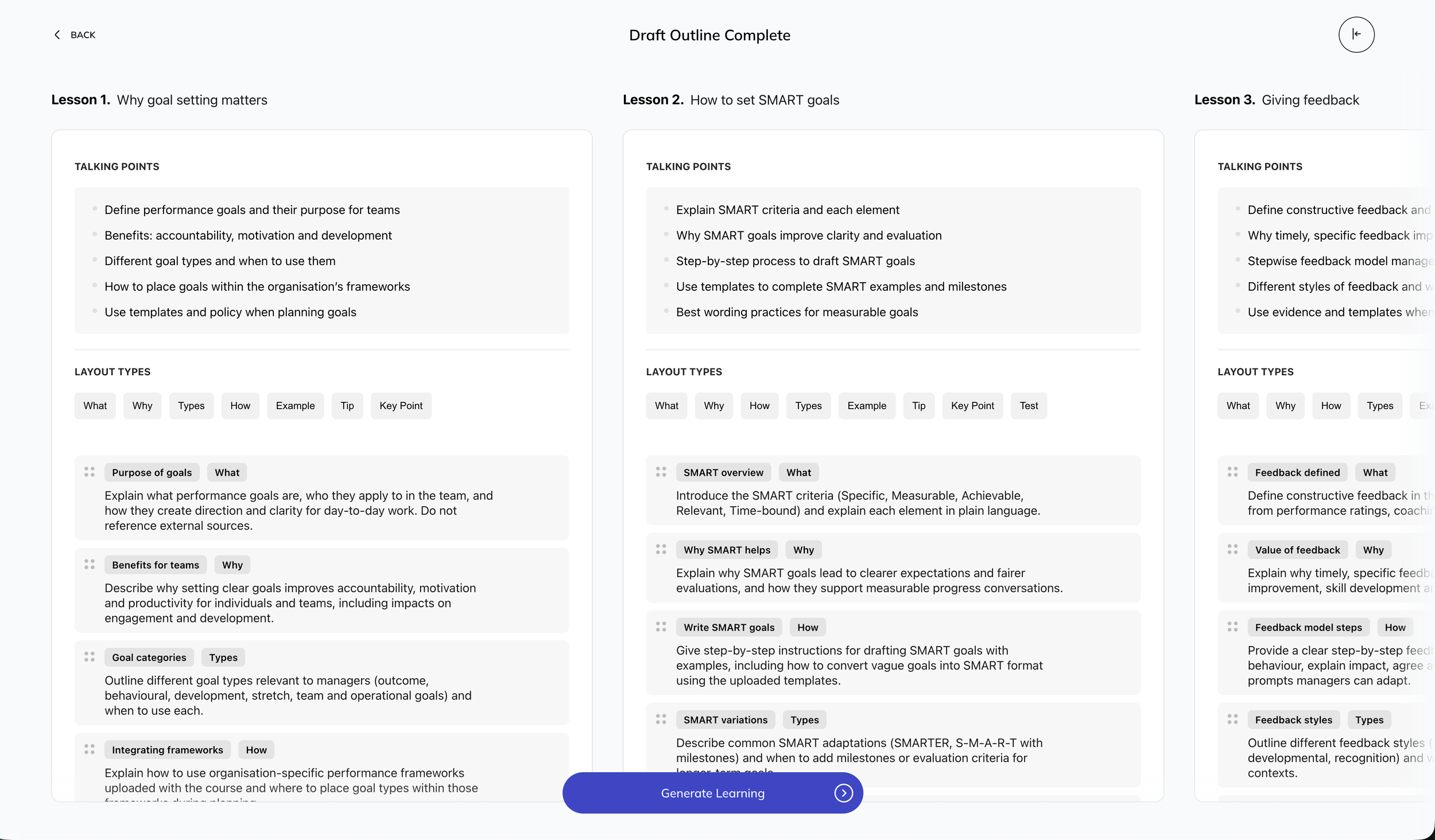
Editable draft outline.
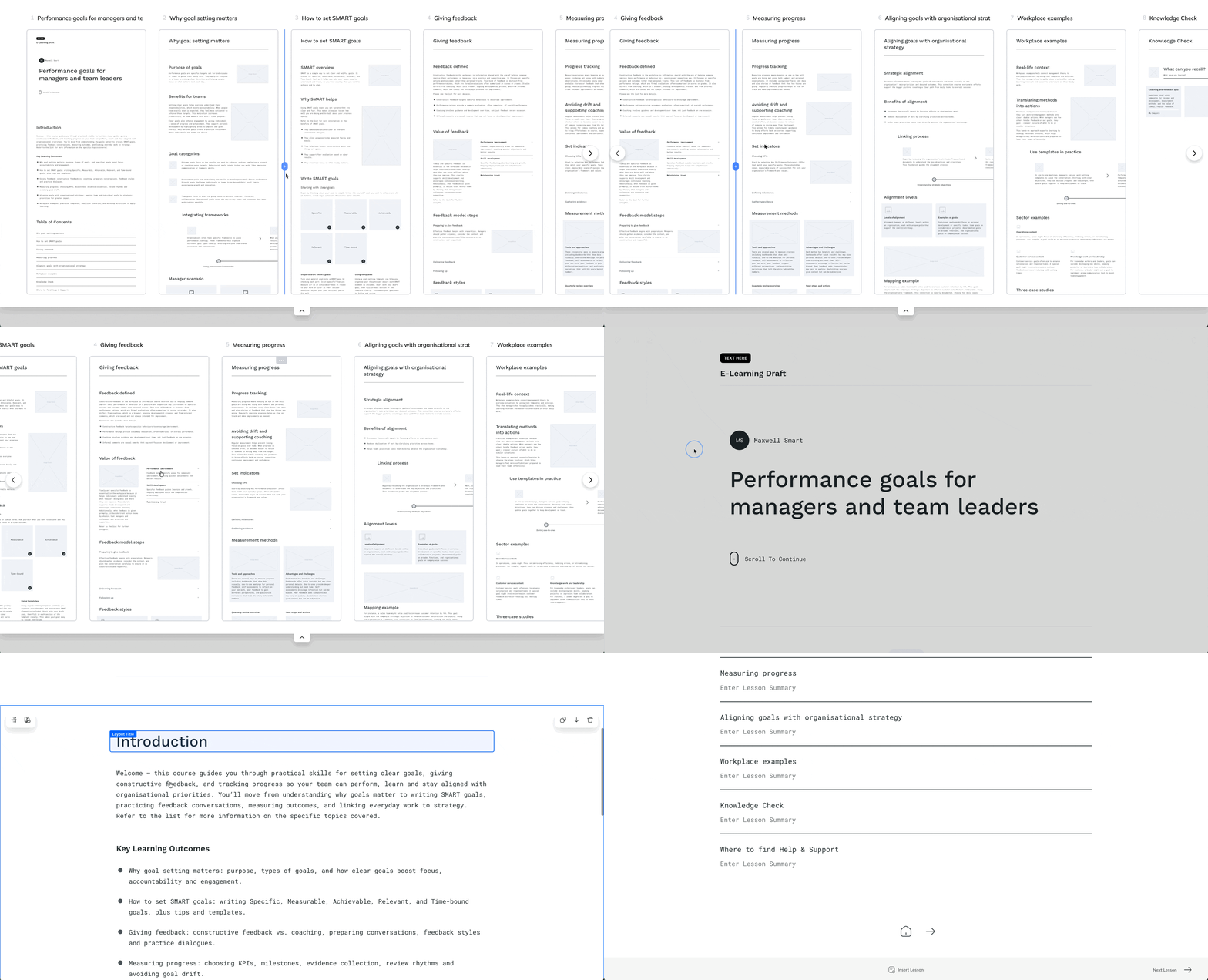
Generate draft learning.
In this example, we’ve chosen a storyboard-wireframe as a starting point before applying design elements.
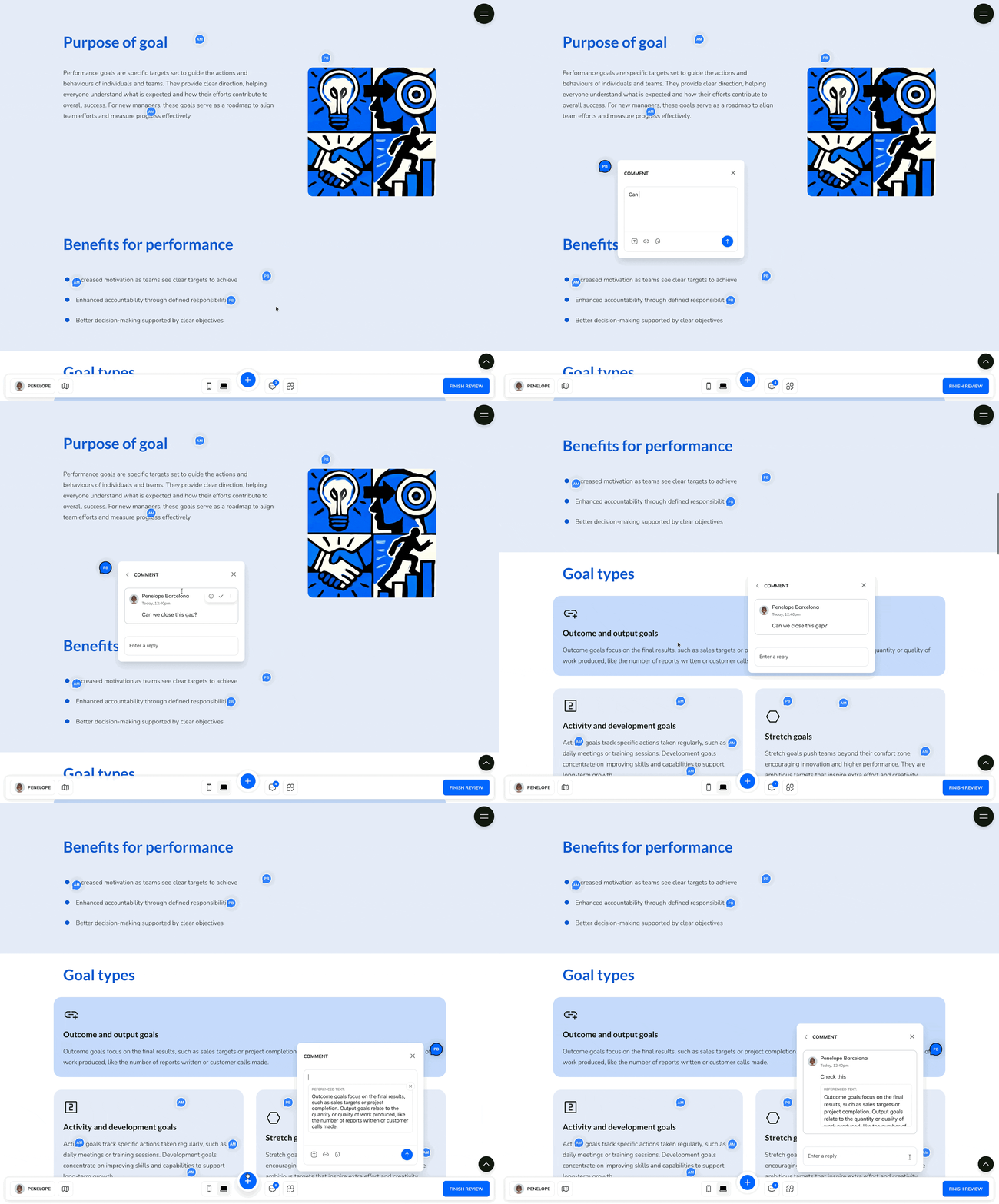
Review the learning and gather feedback.
Mark up where it matters! Send for feedback when ready.
Reviewers click anywhere on layouts and content to comment. Resolving for creators is quick and simple,.
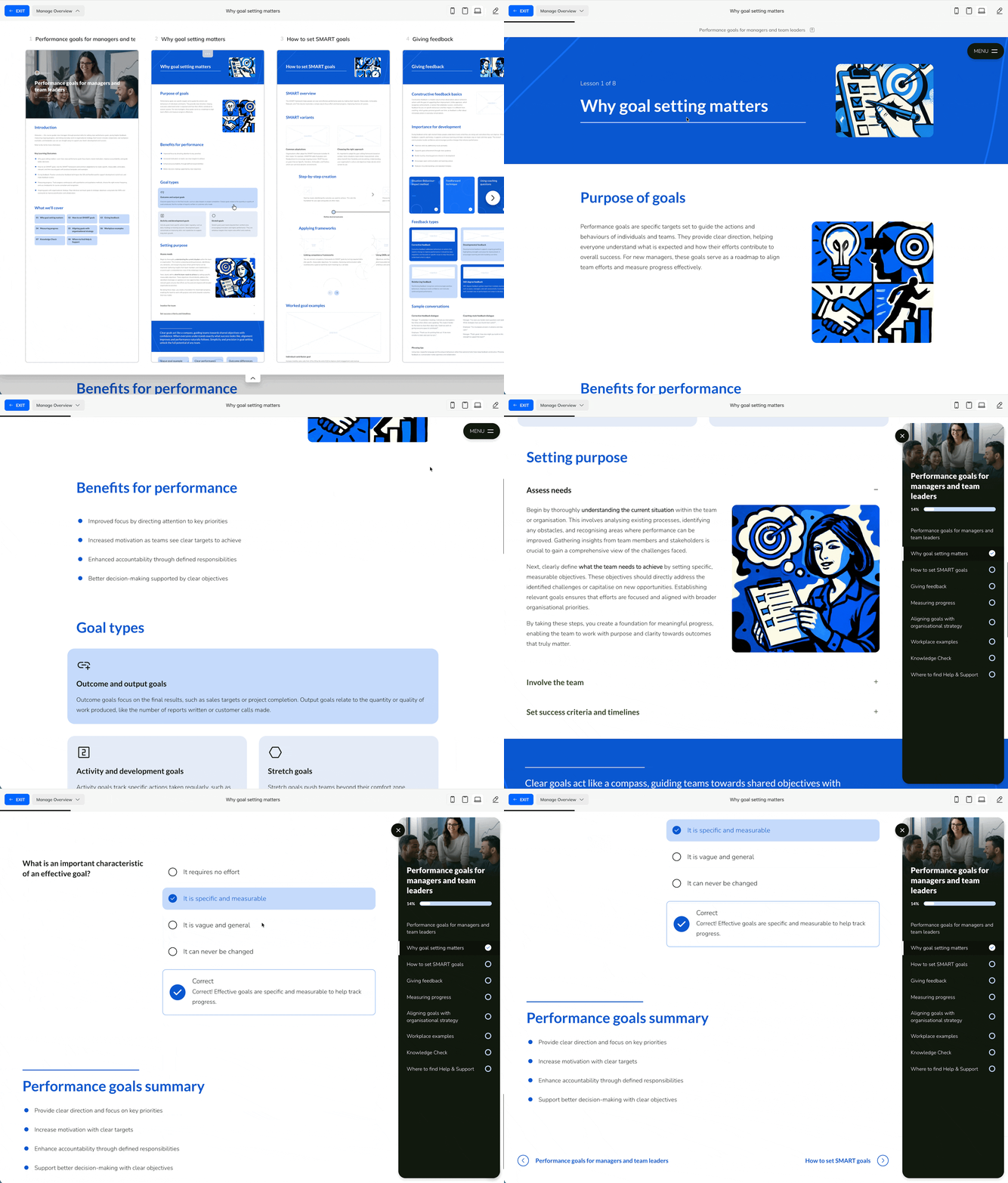
Shape final learning.
In the same example, (after review) we’ve now rapidly applied a theme, a menu, animation, and generated pop art style imagery in theme colours.
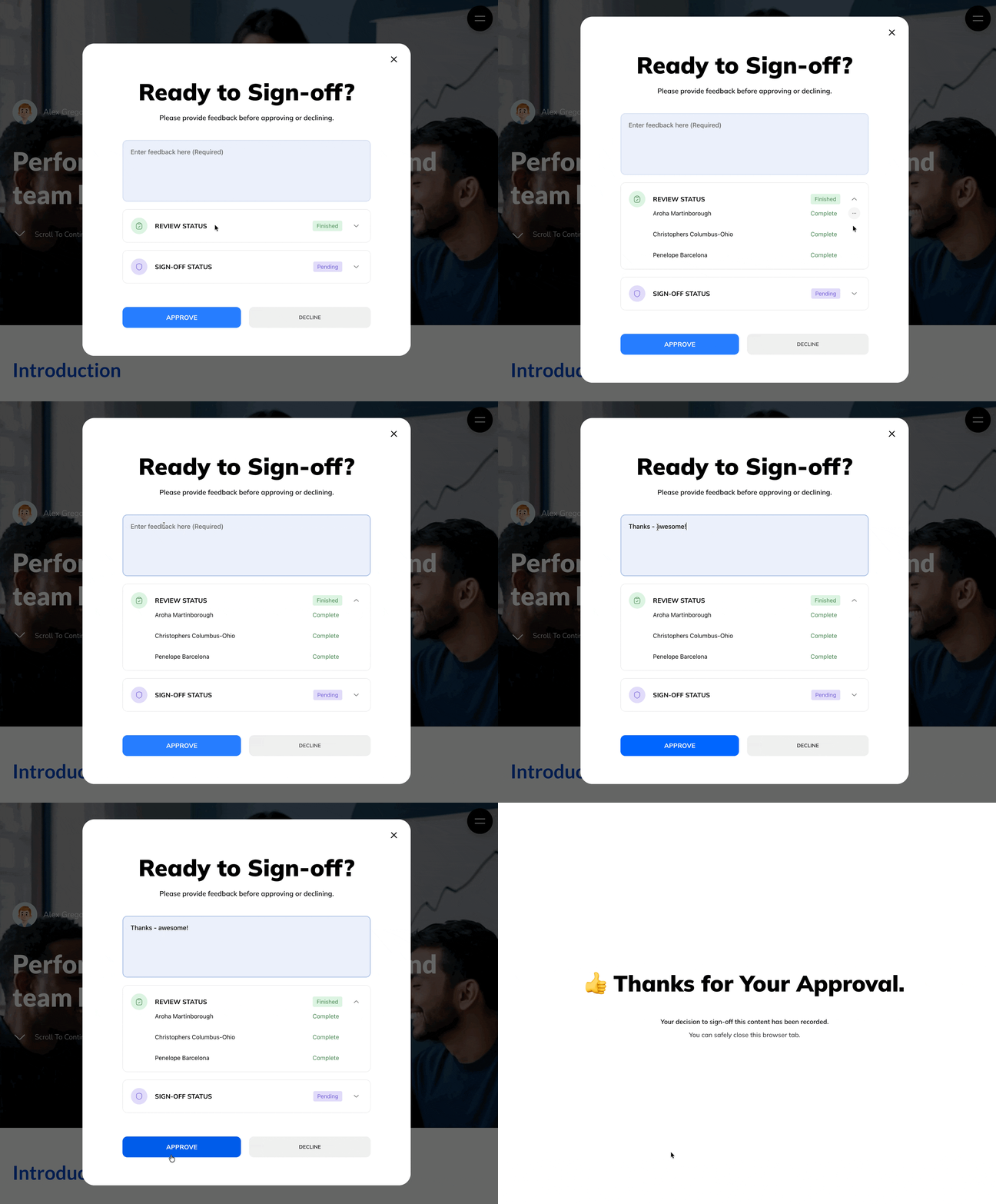
Sign-off learning with an approval.
Complete the workflow and send out for final approval.
Publish custom links and share anywhere.

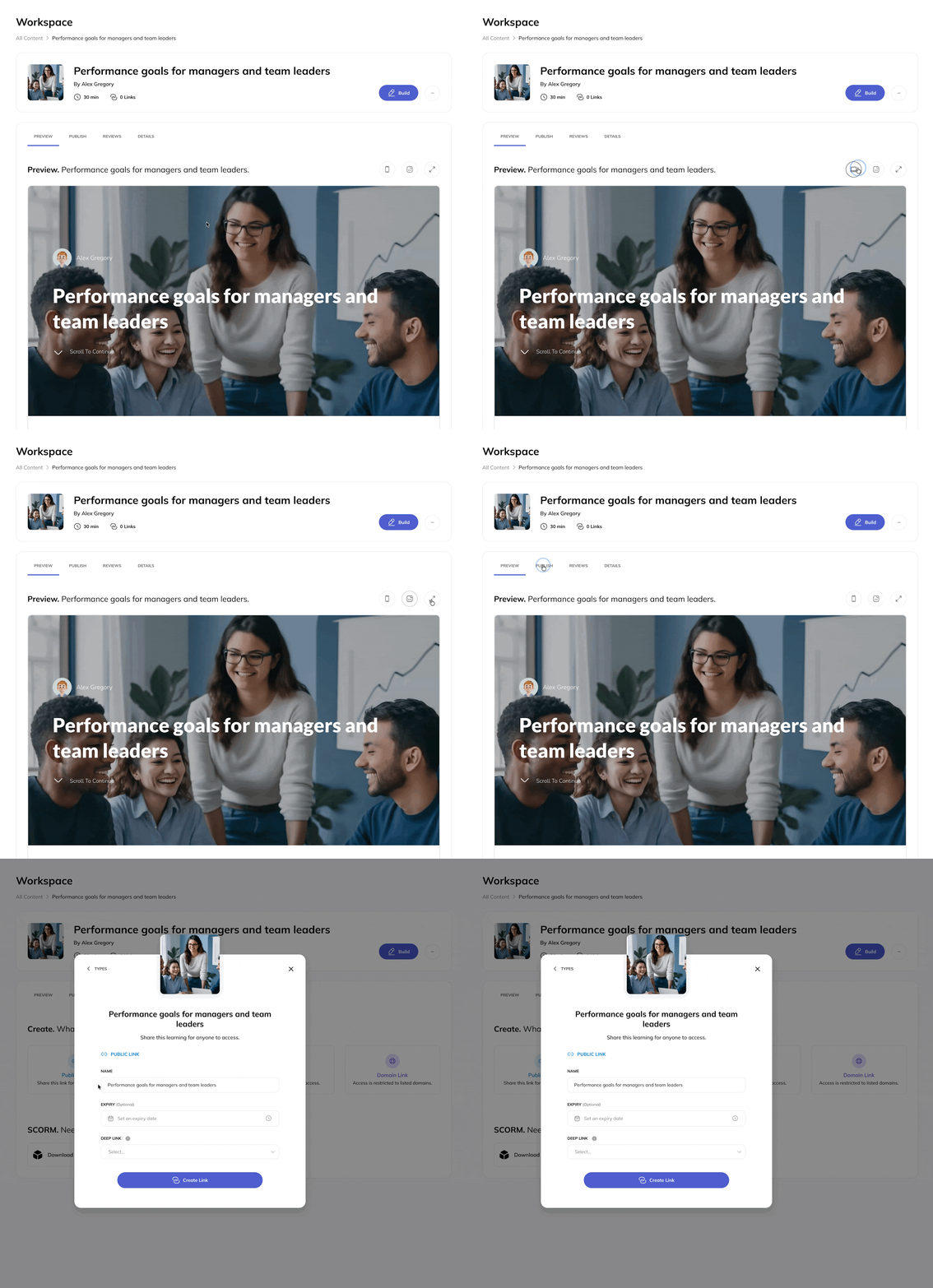
Publish instantly with secure links, or deliver through your LMS using standard or Dynamic SCORM.
Courso supports public, password-protected, email-specific and domain-restricted links, so you can share the same content with different audiences in different ways anywhere and fast!
You can even link directly to a specific section or moment, helping people land exactly where you want them.
Publish with confidence, knowing access and updates remain under your control.With Dynamic SCORM, upload your course once to your LMS, then update the content in Courso without uploading a new file. Create multiple Dynamic SCORM links for the same deliverable and apply optional domain controls, giving you greater flexibility over access without duplicating the learning.
Update once, update everywhere.
Change a header, image, video, or any block, save and publish and it updates across everywhere it appears. No duplicate work. No chasing old versions.
Need to export as a PDF?
No problem, export resources as high quality PDFs.

For every role on your team that shapes learning.

Instructional Designers
Design structured, web-native learning experiences that focus on flow, intent, and outcomes. Build interactive lessons, quizzes, and navigation without forcing content into slides. Export as SCORM when required.

L&D Professionals
Build learning that supports communication, capability, and engagement across your organisation. Use dynamic content blocks to create micro learning, updates, reports, and ongoing learning people actually complete.

Trainers & Facilitators
Create clear, practical learning resources such as guides, plans, and reference material that learners can read and revisit online. Organise content into collections and share experiences that work beyond the classroom.

Educators
Create lessons and short learning experiences designed for digital reading and engagement. Organise content clearly, track progress through your LMS, and share resources that support understanding, not just completion.

Learning tools shouldn’t get in the way of good learning, and with Courso they won’t.
Most learning creation tools are built on presentation logic. They break ideas into slides, optimise for export, and treat learning like something to be delivered rather than experienced. Courso is different. Learning in Courso is designed for the web from the start. It reads and flows like a modern website, not a slide deck adapted for screens.
A more natural way to learn
Courso supports continuous learning flow, so learners can:
Read and scroll at their own pace
Stay in context as ideas develop
Engage with content without constant interruptions
There are no artificial breaks just to fit a slide.
Content first, not frames
Instead of forcing ideas into fixed slide or card layouts, Courso lets content shape the experience with:
Interactions, questions, and reflection appear where they make sense, within the learning itself, not between slides. The result feels calmer, clearer, and easier to complete.
Built for learners, not presenters
Courso learning is designed to be read, explored, and completed on screen.
It doesn’t require a presenter, script, or printed materials. Courso fully supports how people actually build and consume learning online.
Made for course creators
Courso is designed for rapid draft creation, review, shaping, and sharing.
Built with AI at its core, not as an added “product” that is talked up “as the product.”
Engineered with a modern tech stack, so pages load very quickly and using it feels like a familiar modern web builder for learning.
One philosophy, multiple experiences
Different learning goals need different experiences. Courso supports:
Single-page scroll learning for focused topics
Multi-page learning for structured courses
Micro experiences for short, guided mobile delivery
Each is web-native, responsive, interactive, and designed around learner flow rather than presentation. Courso is dynamic and flexible, so it can be used to build multiple digital learning experiences including micro sites, newsletters, lesson plans, reports, and user guides. Sharing is simple.
Why this matters
When learning feels natural to read, feedback improves, understanding deepens, and completion rates rise.
That is the difference between presenting information and creating learning.

Cognise is built for enterprise learning.
Make learning work at scale.
Courso helps you create learning. Cognise takes it further, supporting organisation-wide delivery with structured rollout, tracking, events, and AI-powered creation, all in one platform.

Create learning people can agree on.
From first draft to confident delivery, Courso supports every step that matters.
AI-assisted drafting. Human-led outcomes.